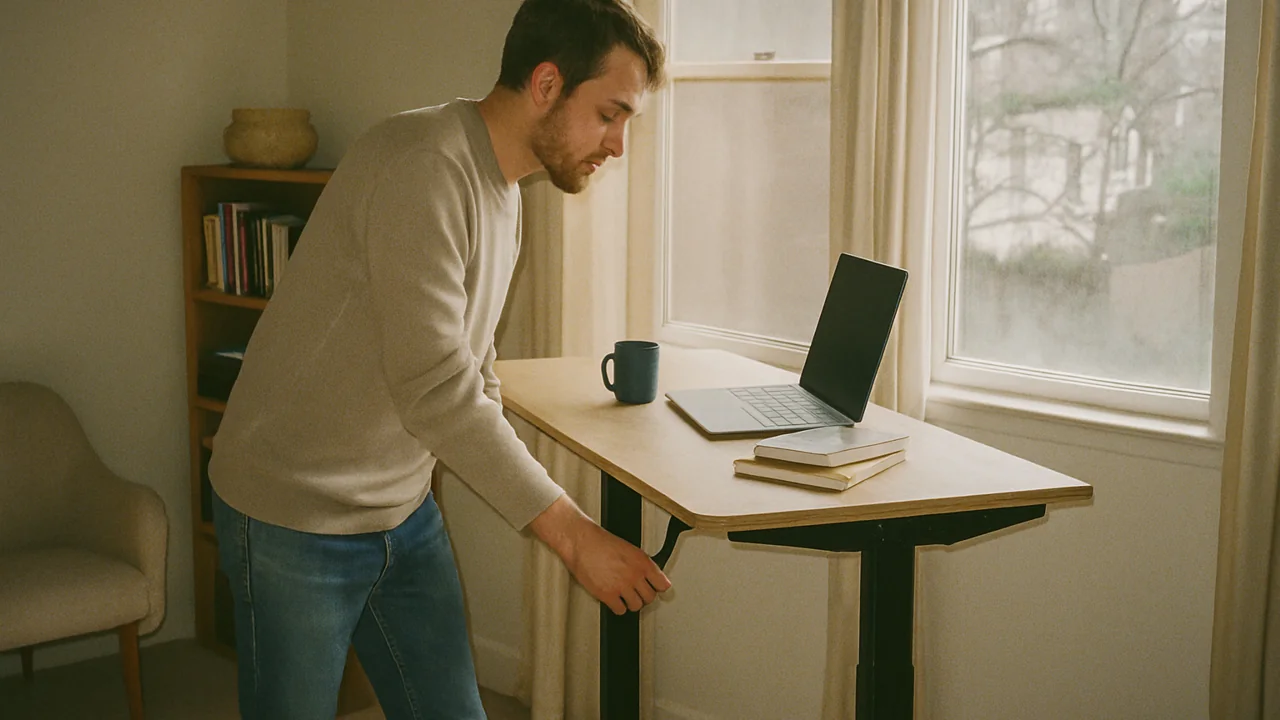
Fit the body
Height range, keyboard level, and monitor position come before finish color.
Fit the room
Measure walking space, outlet access, glare, and chair movement.
Fit the habit
The best desk is easy to raise for calls, reading, and post-lunch resets.
A standing desk sounds like a simple upgrade until it enters a real spare bedroom, rental corner, or shared family workspace. Then the questions become practical very quickly: will the desktop clear the window sill, will the cable slack survive daily movement, and will the frame feel steady when the monitor is raised?
If you are comparing models now, keep LeStallion’s best standing desks for home office roundup open and use this guide to read the sizing, stability, and setup details more carefully.
This is an editorial checklist, not lab testing or medical advice. It is written from the point of view of a careful home-office buyer who wants fewer surprises after delivery.
1. Start with height range and daily posture
The desk should meet you in both sitting and standing positions without forcing shrugged shoulders or bent wrists. Check minimum and maximum height, then compare them with your chair, shoes, floor mat, keyboard position, and monitor stand.
- Confirm the seated height does not leave your keyboard too high.
- Check standing height with the shoes or slippers you usually wear.
- Look for easy controls that you will actually use during busy days.
- Read assembly notes before assuming the frame suits your room.
2. Match desktop size to the room, not just the monitor
A larger top can feel luxurious, but a desk that blocks a door swing or crowds a bed quickly becomes annoying. Tape the outline on the floor before ordering. Leave space for the chair to move when the desk is lowered.
3. Stability matters most at full standing height
Most adjustable desks feel fine while low. The useful question is whether typing, writing, and monitor movement feel steady near your standing height. Crossbars, frame weight, foot design, and desktop load all affect wobble.
4. Plan cable slack before the first raise
Every moving desk needs a little slack and a safe path for power bricks, monitor cables, lamps, and chargers. A tidy setup is not only prettier; it reduces snagging when the desk moves.
- Raise the desk fully before final cable ties are tightened.
- Keep power strips mounted or supported, not dangling.
- Leave service loops for monitor and laptop cables.
- Check that drawers and arms do not pinch cords.
5. Build a sit-stand habit that is easy to keep
The goal is not to stand all day. It is to change position without turning movement into another productivity chore. Many people do best with short standing blocks around calls, reading, or after lunch.
6. Common mistakes to avoid
Do not buy only for the highest lift number, ignore desktop depth, forget cable travel, or assume a wobbly floor can be solved by the desk alone. Also avoid placing a standing desk where sunlight glare makes the monitor unusable at standing height.
Once those basics are clear, the home-office standing desk shortlist is easier to read because you can separate useful specifications from cosmetic extras.
FAQ
Is a standing desk worth it for a home office?
It can be worth it when the frame is stable, the size fits the room, and you use it for position changes rather than all-day standing.
What desktop size is best?
Choose enough width for your monitor and writing space, but leave walking clearance. Small rooms often benefit from a medium top with better cable planning.
Do standing desks wobble?
Some do, especially at higher settings or on uneven floors. Frame design, load, feet, and assembly quality all matter.
How should cables be managed?
Raise the desk fully, route cables with slack, secure power strips, and check for pinching before daily use.
Should I stand all day?
No. Most home-office routines work better with a mix of sitting, standing, walking, and breaks.